Stable installer release
Clear enough for repeated use, restrained enough for operational work, and designed around explicit user action.
 vFirstPlus
Windows care and static-CDN updates
A professional Windows maintenance utility with installer-first releases, Driver Vault backup and restore, SHA-256 verification, and careful user-approved actions.

Professional Windows care with a clean app update channel
Release center
The website presents the current app release, the trusted file names, and verification hashes. Internal website bundle files stay out of the user-facing update JSON.
Clear enough for repeated use, restrained enough for operational work, and designed around explicit user action.
Clear enough for repeated use, restrained enough for operational work, and designed around explicit user action.
Clear enough for repeated use, restrained enough for operational work, and designed around explicit user action.
Clear enough for repeated use, restrained enough for operational work, and designed around explicit user action.
Clear enough for repeated use, restrained enough for operational work, and designed around explicit user action.
Clear enough for repeated use, restrained enough for operational work, and designed around explicit user action.
App screenshots
SystemCare presents the work clearly: dashboard status, detailed hardware inventory, Driver Vault backups, app-only updates, and visible process logs.
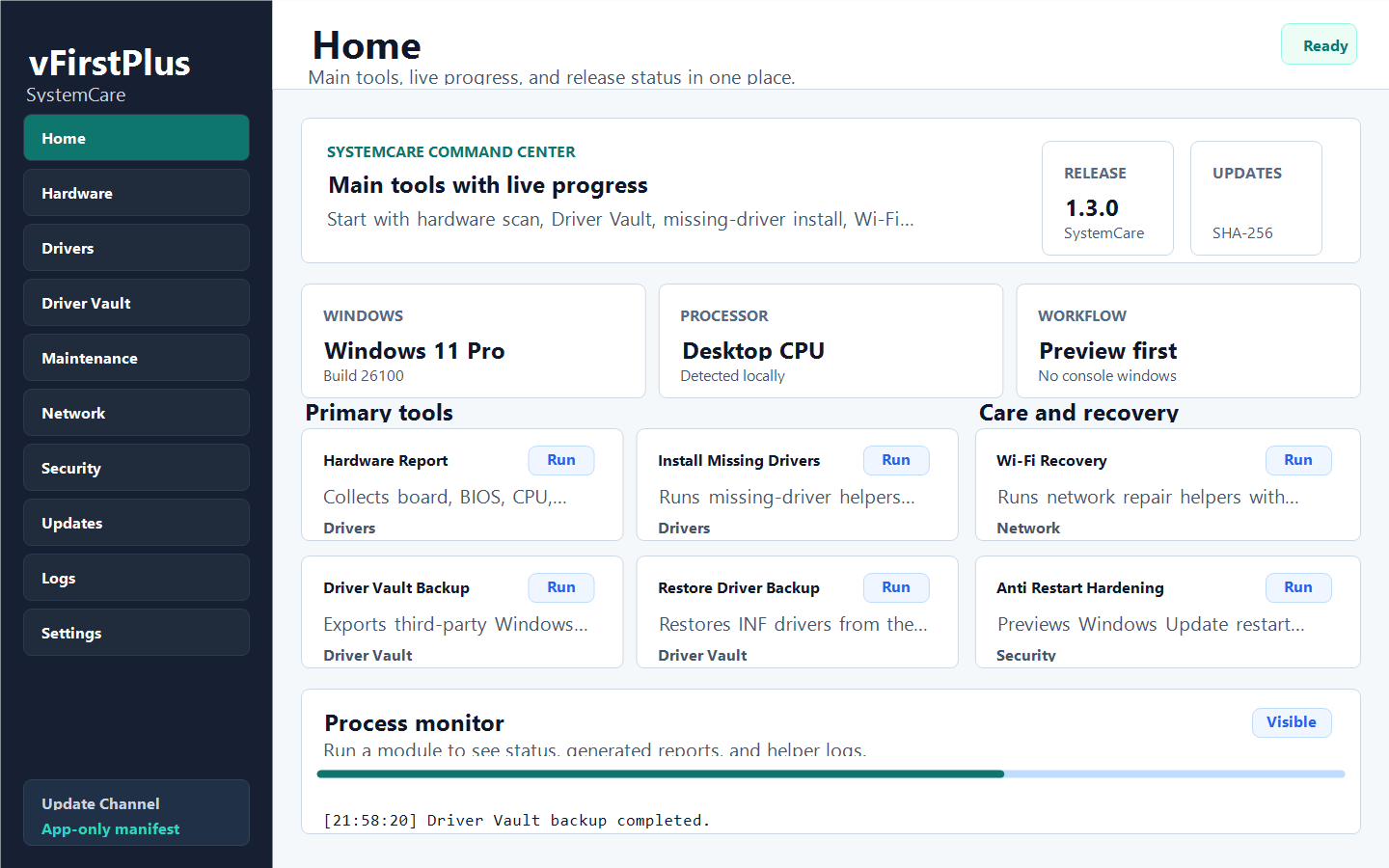
A clean command center for current release status, safe action cards, and live process output.
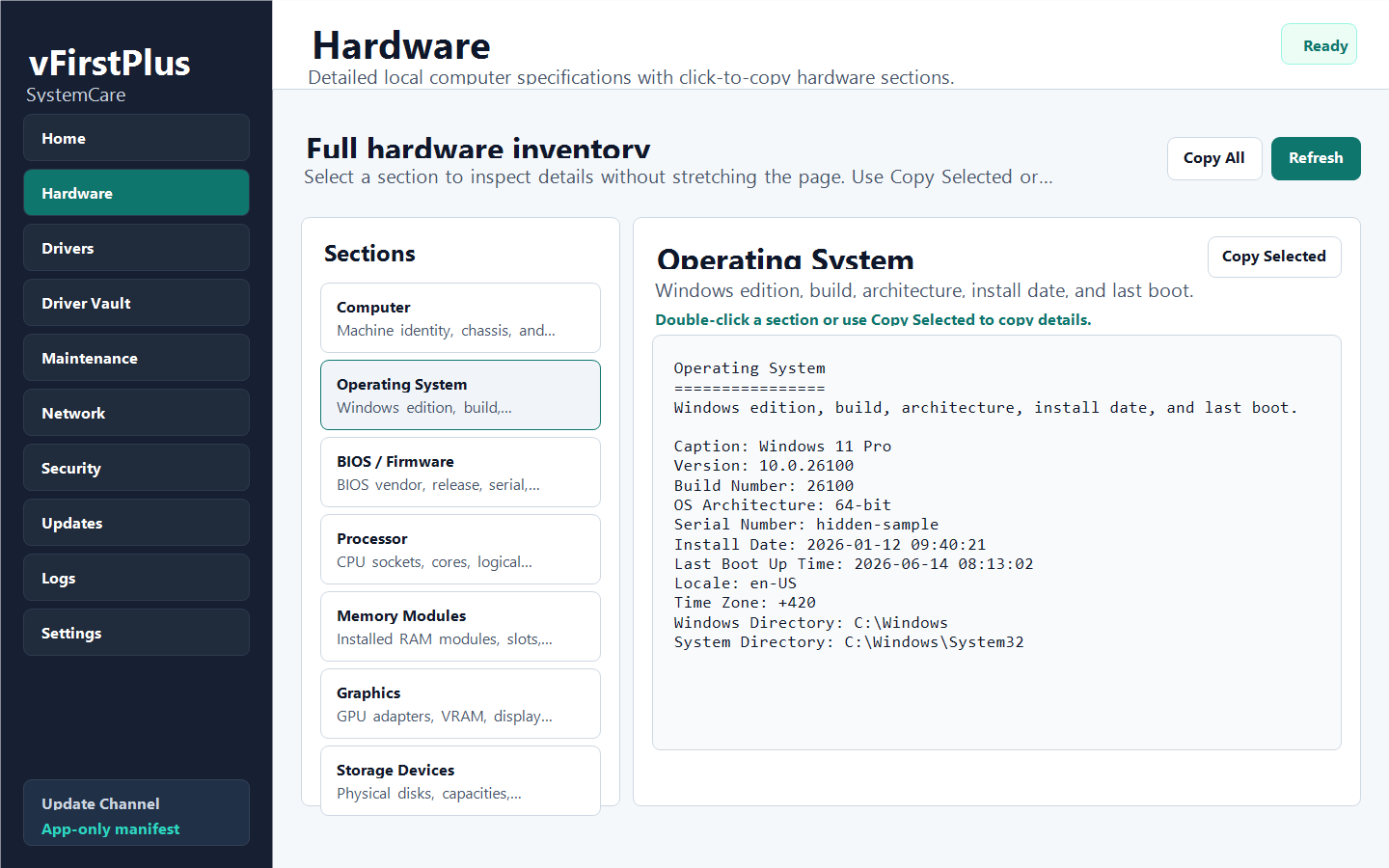
A support-ready spec view where every section can be clicked to copy its details.
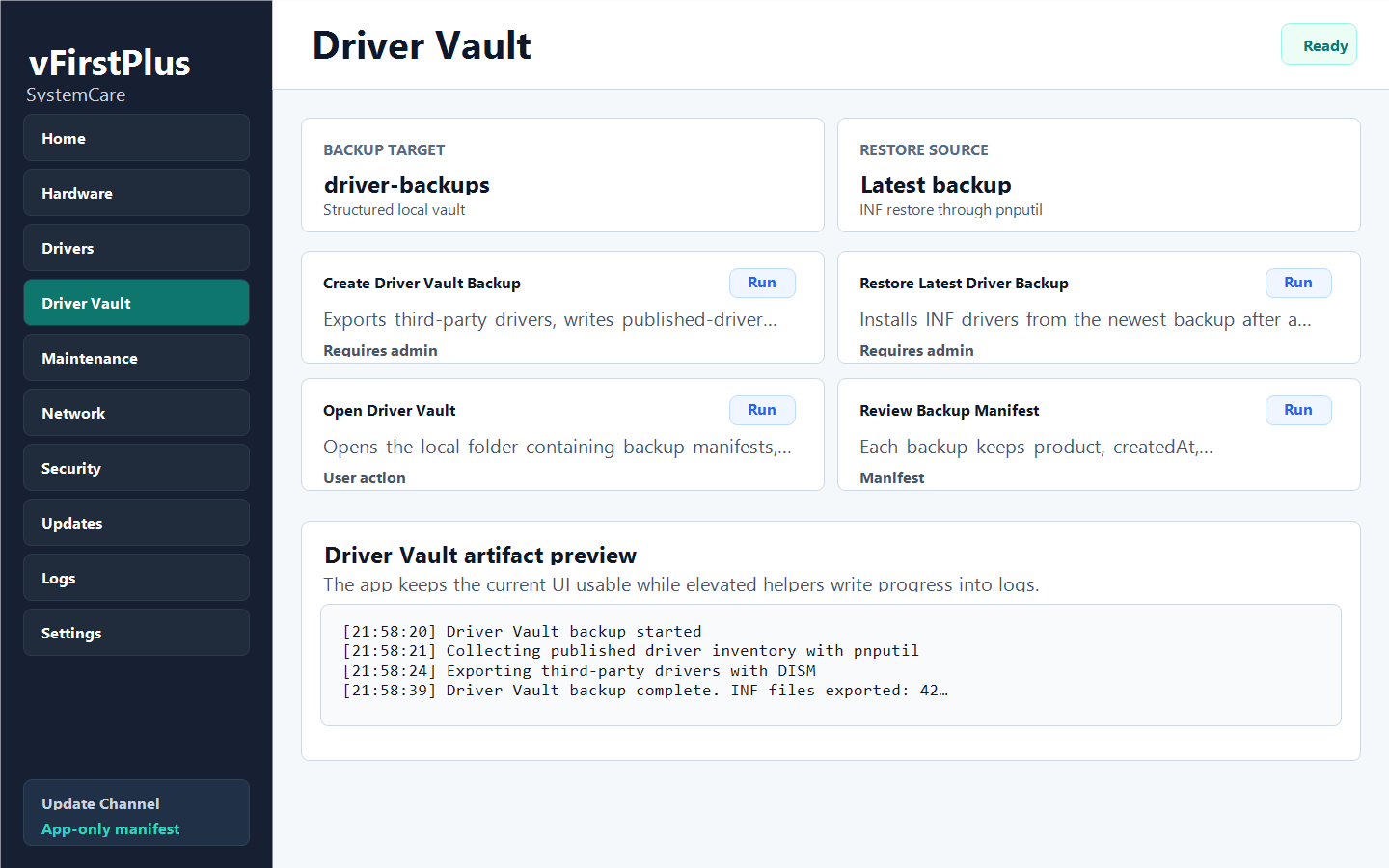
A dedicated driver backup and restore workspace with manifests, export logs, and visible helper progress.
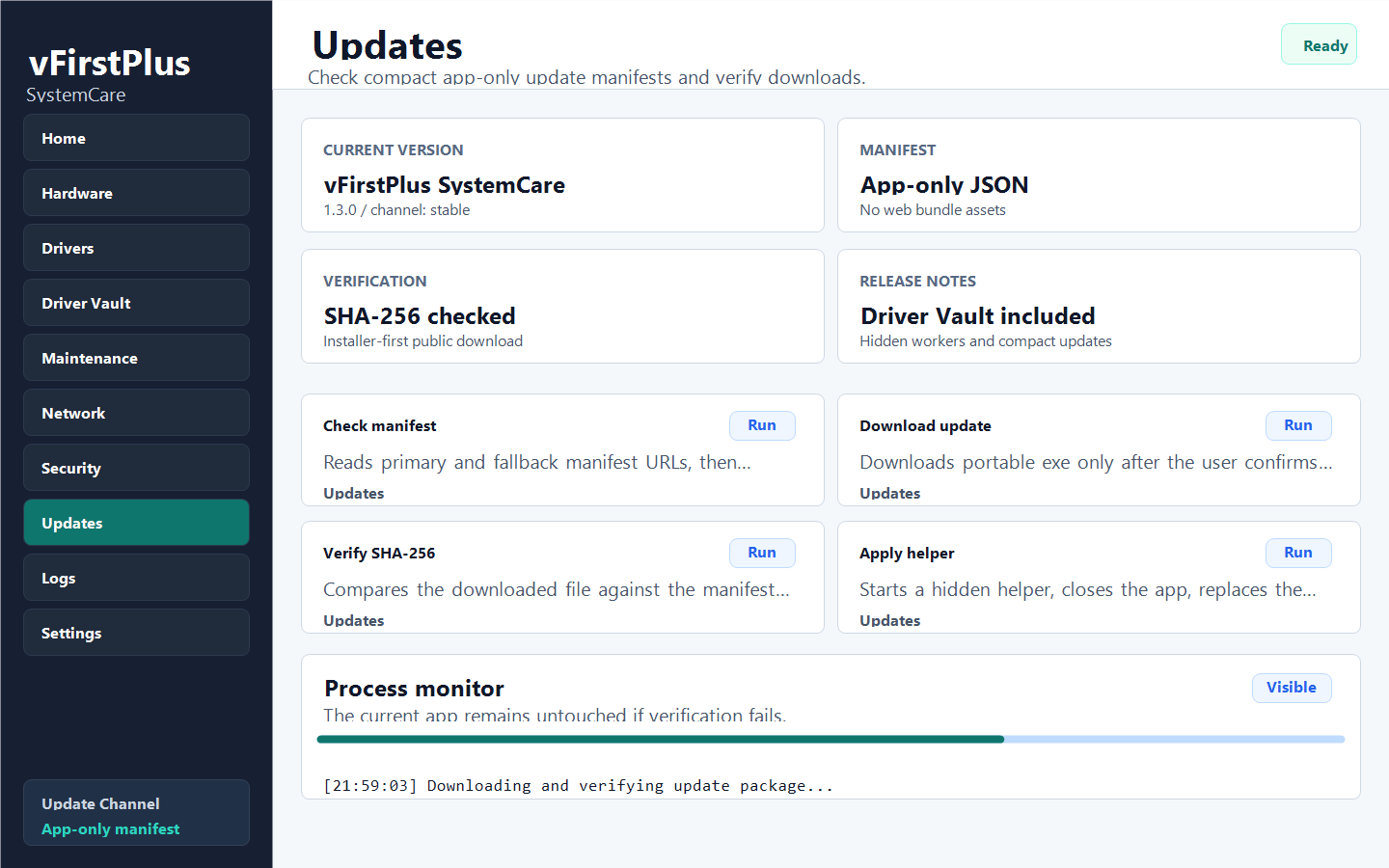
A compact app-only update flow with manifest details, SHA-256 verification, and installer-first release surfaces.
What the app can do
A focused overview for Windows status, release health, module actions, process progress, and generated logs.
Computer, OS, BIOS, board, CPU, memory, GPU, disks, volumes, network, audio, monitors, battery, problem devices, and PnP devices.
Create readable hardware reports and run missing-driver install helpers from Windows Update or DriverPacks with administrator confirmation.
Export third-party Windows drivers into structured backups with inventory, manifests, logs, and restore helpers.
Install daily maintenance tasks, preview user-folder paths, and keep helper output visible in one app surface.
Inspect Wi-Fi interfaces, saved profiles, and run recovery helpers that flush DNS, reset adapters, reconnect, and renew IP.
App update channel
The public update manifest now describes the desktop release only: version, publisher, installer URL, portable URL, file sizes, hashes, signature status, Windows requirement, and release notes.
Ships the WPF SystemCare app shell, Driver Vault backup/restore, hidden worker module actions, and compact app-only auto update with SHA-256 verification.
785920 bytes
Full hashes live on the Verify page for normal users.
Kept for the app updater and technical verification only.
Next ideas